Meeting bots vs. desktop recording SDKs: choosing a capture method for your AI notetaker
Bot integration and local SDKs offer fundamentally different tradeoffs.
There's a decision baked into every AI notetaker that most people never think about, and it determines nearly everything about how the product actually behaves. Not the AI model. Not the summarization logic. The capture layer: how the software gets the audio in the first place. Get this wrong, or choose without understanding what you're choosing, and you'll spend the next year working around structural problems that won't yield to clever engineering.
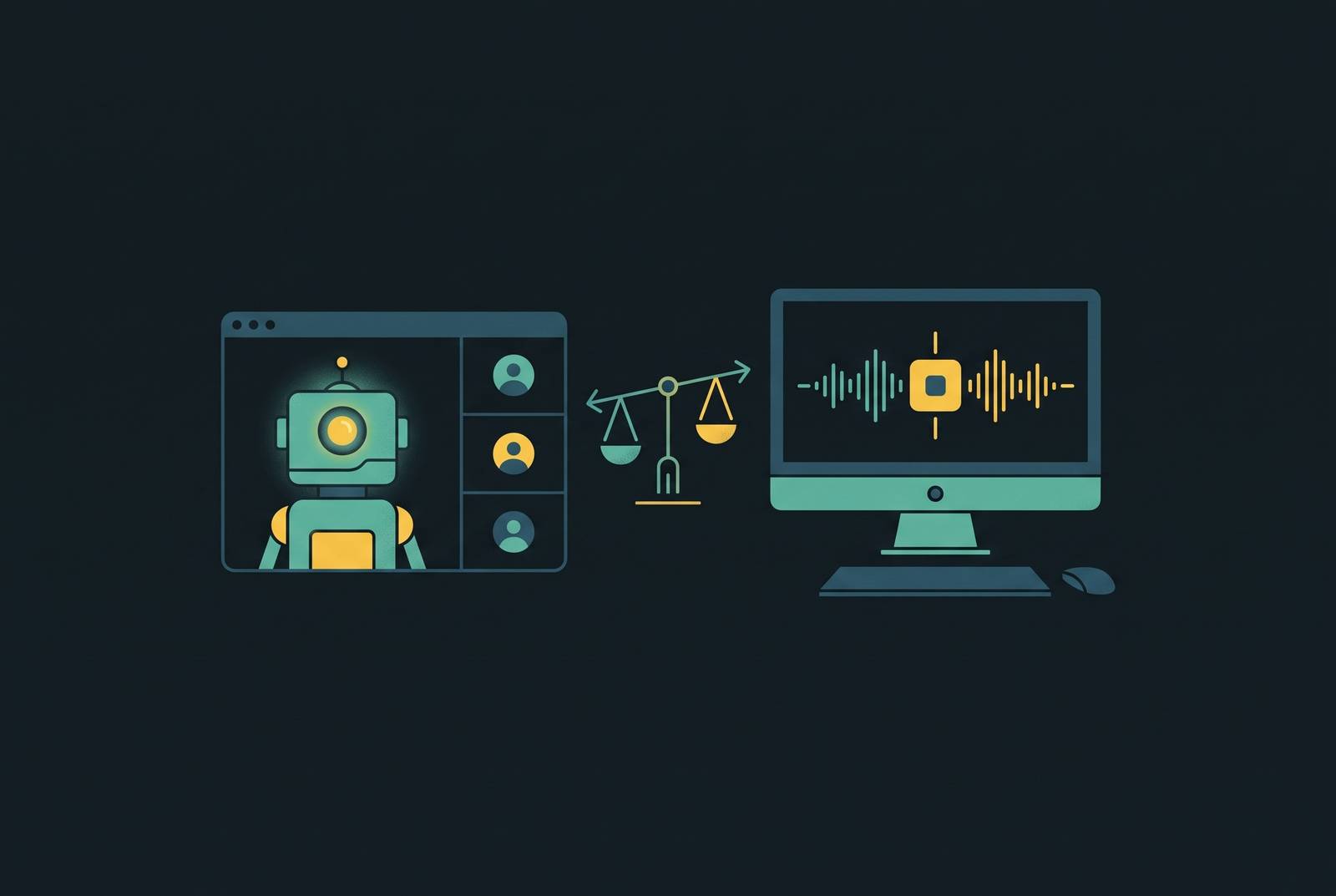
Two approaches dominate the market. Meeting bots join calls as visible participants. Desktop recording SDKs run locally, capturing audio at the operating system level. Most evaluators conflate them or treat the choice as incidental. That's a mistake with consequences.
Meeting Bots: The Visible Participant Model
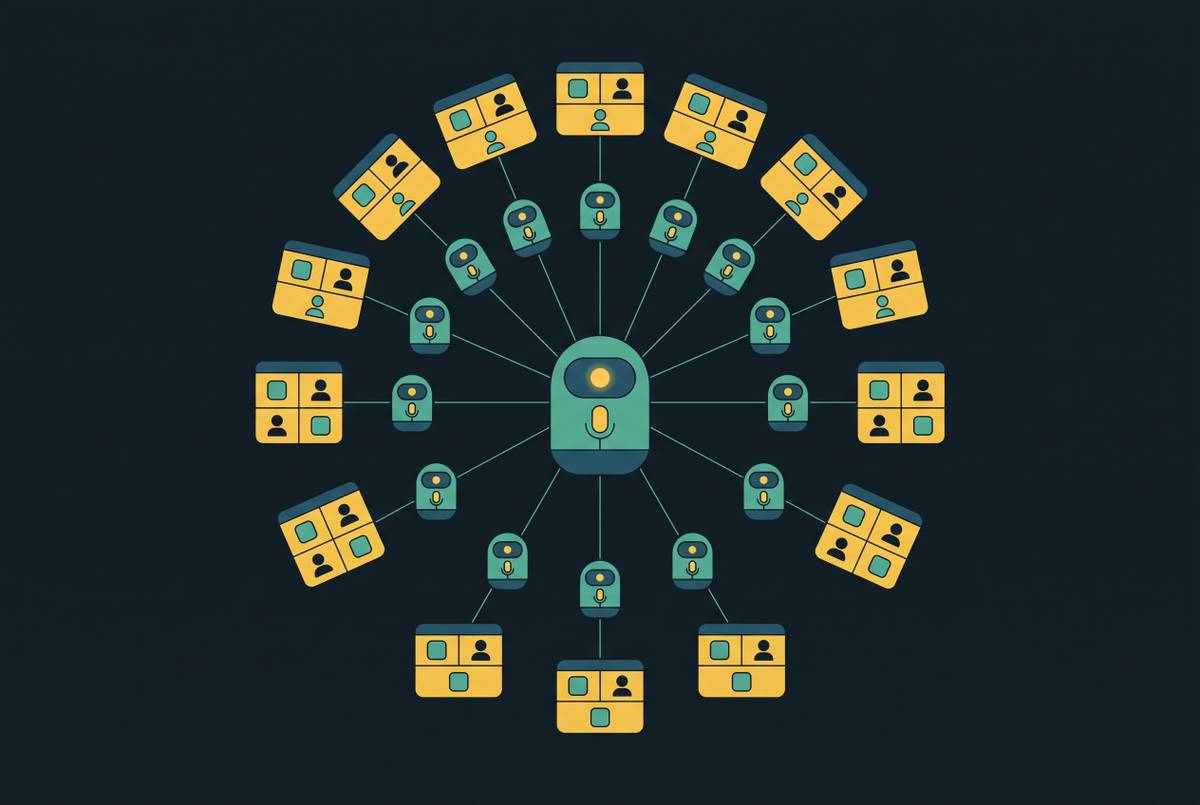
A meeting bot is a headless client. Your notetaker service spins one up, sends it into a Zoom or Google Meet, and it sits in the participant list, usually named something like "Notetaker" or "AI Assistant." It receives the audio and video stream, ships it to a server, and returns a transcript when the call ends.
The operational appeal is obvious. No software to install. Works across platforms because it's just another participant. Easy to deploy at scale. For a product team trying to serve thousands of users without touching endpoint devices, that's a genuinely compelling architecture.
But you're building on infrastructure you don't control. Zoom, Teams, and Google Meet have each adjusted their bot access policies before, and they'll do it again. I've watched teams build solid products on these integrations, only to absorb a breaking policy change mid-quarter with no warning and no recourse. Platform dependency isn't a theoretical risk. It's a scheduled tax you don't get to set the date on.
The latency profile matters more than it looks upfront. Audio routes through a remote server before processing begins. Fine if you're delivering a transcript ten minutes after the meeting. If you're building toward real-time coaching or in-meeting assistance, that round-trip introduces structural latency that no amount of optimization fully resolves.
What Visibility Actually Buys You
There's one place where the bot model has a genuine, underappreciated advantage: consent is observable by design. Every participant sees the bot in the room. In regulated industries, sales contexts, or legal settings where explicit recorded disclosure matters, that visibility is a compliance feature. The bot's presence is the disclosure. It requires no additional mechanism.
In other contexts, it creates friction of a different kind. Internal meetings where psychological safety is a priority feel different when there's a named recording entity in the participant list. I've seen teams abandon bot-based tools entirely after noticing that people were self-censoring in retrospectives. That's a real cost, even if it doesn't show up on a product roadmap.
Desktop Recording SDKs: The Local Capture Model
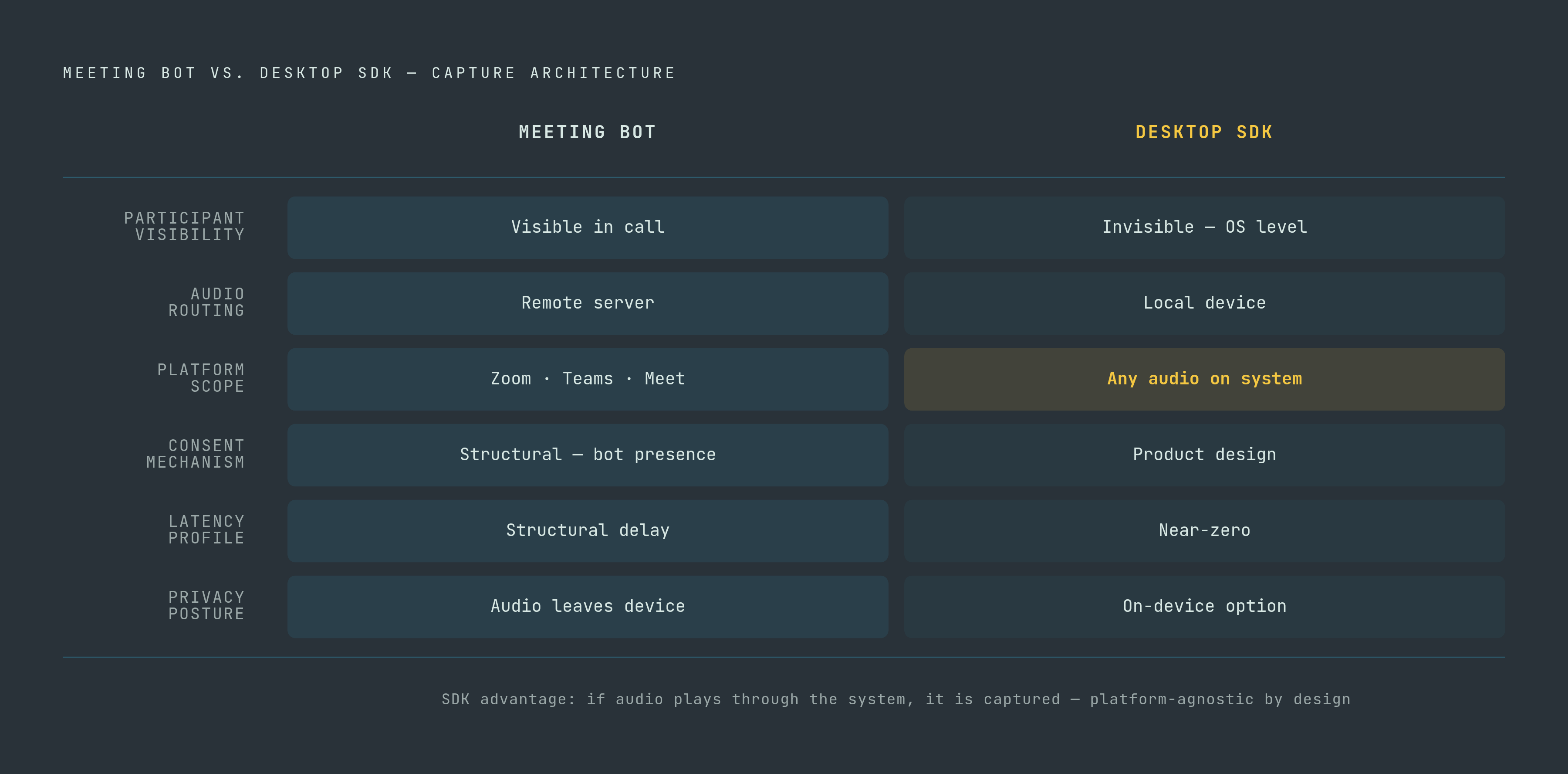
SDK-based products work differently at a fundamental level. Instead of joining the call, they run on the user's machine and capture the audio mix directly from the operating system. The notetaker never appears as a participant. It's software running locally, intercepting the audio stream before it ever becomes a "meeting."
The coverage breadth this enables is significant. A desktop SDK doesn't care what platform you're on. Zoom, Teams, Webex, a browser-based tool with no public API, a phone call routed through a softphone client: if audio is playing through the system, the SDK captures it. That platform-agnostic scope is architecturally unavailable to bots, which require a functional integration for every platform they support. And anyone who has worked inside a real enterprise knows that the actual communication stack looks nothing like the three platforms vendors prioritize.
Local processing is the other consequential property. Depending on how the product is built, transcription and analysis can happen entirely on the device. Audio that never leaves the machine cannot be intercepted, logged, or retained by third-party cloud infrastructure. That's not a marketing claim. For enterprise security reviews, it's often a prerequisite before the conversation about pricing even begins.
The Friction Is Real, and So Is the Fix
The honest cost of this architecture is installation friction. Users have to install software and grant OS-level permissions before they've seen the product do anything valuable. In enterprise environments, that means IT approval workflows and device compatibility testing. For consumer products, it means asking for trust before demonstrating value, which is a hard ask.
Products that handle this well, that explain clearly what the SDK is doing and why, tend to convert better than you'd expect given the friction. Products that bury the process in technical language or permission dialogs lose users before the first recording. The friction itself is a one-time cost. How you design around it determines whether it's a minor obstacle or a churn driver.
Consent also requires more deliberate design in this model. Without a visible bot in the participant list, users bear responsibility for disclosing that a recording is happening. The best products in this category surface clear prompts and provide jurisdiction-appropriate disclosure mechanisms. Absence of a visible participant is not absence of consent obligation. It just shifts where that obligation lives, from architecture to product design.
The Case for Hybrid
Many mature products have ended up offering both. The bot handles external Zoom calls where consent is visible and infrastructure is shared; the SDK handles internal meetings, sensitive contexts, and the dozen other communication tools no one talks about but everyone uses. That's how organizations actually communicate: inconsistently, across many platforms, with wildly varying privacy expectations depending on the room.
Building and maintaining both modalities is genuinely complex. But the products that have done it aren't hedging. They're reflecting the operational reality their users live in every day.
Where Recall.ai Fits
For teams building AI meeting products rather than simply using them, Recall.ai provides a unified API that abstracts the bot integration layer across major platforms, so engineering teams aren't rebuilding the same Zoom and Teams integrations from scratch. The fundamental tradeoffs of the bot architecture still apply. Recall.ai doesn't dissolve those. What it eliminates is the operational overhead of managing platform-specific integrations at scale, which is a meaningful engineering cost in its own right.
If cross-platform bot coverage is your primary requirement and local processing isn't a hard constraint, that abstraction has real value. If your requirements push toward local capture or privacy-sensitive environments, you're in SDK territory regardless of what any API layer provides.
Why Getting This Wrong Is Expensive
Capture architecture is not a commodity choice you revisit cheaply. It shapes your privacy posture, your platform dependencies, your real-time capabilities, and your relationship with enterprise security teams. The organizations that treat it as an implementation detail tend to discover otherwise when a platform policy change breaks their primary integration, or when a security review asks pointed questions about where twelve months of audio actually went.
Choose for the problem you're actually solving. Not the one that was easiest to prototype.